
DIY Security for Dissidents: Protect Yourself (and Your Data) on a Shoestring Budget
The surveillance state isn't coming: it's here. Whether you're organizing community mutual aid, documenting police misconduct, or simply refusing to comply with authoritarian overreach, your digital footprint is being tracked, catalogued, and weaponized against you. The good news? You don't need a corporate cybersecurity budget to protect yourself and your data.
This guide gives you practical, affordable ways to secure your communications, protect your identity, and maintain operational security while working within your community. Every tool and technique here costs less than a monthly Netflix subscription: some cost nothing at all.
1. Start with Your Phone: The Surveillance Device in Your Pocket
Your smartphone is the most dangerous piece of surveillance equipment you own, and you carry it everywhere. Lock it down first.
Enable Full Device Encryption: On iPhone, go to Settings > Face ID & Passcode and ensure "Data protection is enabled." For Android, navigate to Settings > Security > Encrypt phone. This scrambles your data so it's unreadable without your passcode.
Disable Location Services: Turn off location tracking for all non-essential apps. Your weather app doesn't need to know where you are 24/7. Go to Settings > Privacy > Location Services and review every single app. When in doubt, disable it.
Use Signal for All Communications: Download Signal immediately. It's free, open-source, and provides end-to-end encryption for texts, calls, and group chats. Delete your standard messaging app and make Signal your default. Your conversations are nobody's business but your own.
Set Up Disappearing Messages: In Signal, enable disappearing messages for all conversations. Set them to delete after one week maximum: shorter for sensitive discussions. This prevents your phone from becoming a permanent record of your activities.

2. Browser Security: Stop Feeding the Data Machine
Your web browser is a direct pipeline to surveillance capitalism. Every click, every search, every website visit gets recorded and sold. Cut the cord.
Switch to Firefox with Privacy Settings: Ditch Chrome immediately. Firefox is open-source and doesn't belong to a surveillance company. Download it, then go to Settings > Privacy & Security and select "Strict" protection mode.
Install uBlock Origin: This browser extension blocks trackers, ads, and malware. It's free and reduces your digital footprint by 90% overnight. Install it from the official Firefox add-ons store.
Use DuckDuckGo for Search: Google tracks every search you make and builds a profile of your interests. DuckDuckGo doesn't track users, doesn't store search history, and doesn't create profiles. Make it your default search engine.
Enable HTTPS-Only Mode: In Firefox, go to Settings > Privacy & Security and check "Enable HTTPS-Only Mode." This encrypts your connection to websites and prevents eavesdropping on public WiFi.
3. Email Security: Encrypt Your Digital Mail
Your Gmail account is an open book to government agencies and corporate data brokers. Time to close it.
Switch to ProtonMail: ProtonMail is based in Switzerland, offers end-to-end encryption, and doesn't log IP addresses. The basic plan is free and provides 1GB of storage: plenty for secure communications. Create an account using a VPN and never link it to your real identity.
Use Separate Email Addresses: Create different email addresses for different activities. One for financial accounts, one for social media, one for organizing activities. This compartmentalization limits damage if one account gets compromised.
Enable Two-Factor Authentication: Use an authenticator app like Aegis (free, open-source) rather than SMS for two-factor authentication. SMS can be intercepted; authenticator apps cannot.
4. File Storage and Backup: Keep Your Data Secure
Cloud storage companies hand over your files to government agencies without a fight. Store your sensitive data where they can't reach it.
Encrypt Before Upload: If you must use cloud storage, encrypt your files first. VeraCrypt is free software that creates encrypted containers for your files. Upload the encrypted container: even if someone accesses it, they can't read the contents.
Use Offline Storage: Buy a cheap USB drive or external hard drive for sensitive documents. Encrypt it with VeraCrypt and store it somewhere safe. Physical storage that never touches the internet is the most secure storage.
Practice the 3-2-1 Rule: Keep 3 copies of important data, on 2 different types of media, with 1 copy stored off-site. This protects against both technical failure and targeted attacks.
5. Network Security: Protect Your Internet Connection
Your internet service provider logs every website you visit and sells that data to anyone willing to pay. A VPN encrypts your traffic and hides your activities.
Choose a No-Logs VPN: Mullvad VPN costs $5 per month, is based in Sweden, and has been independently audited to verify they don't log user activity. You can pay with cryptocurrency for complete anonymity.
Use Tor Browser for Sensitive Research: Tor bounces your internet traffic through multiple encrypted relays, making it nearly impossible to trace. Download it from torproject.org and use it for any research that could be considered "sensitive."
Secure Your Home Network: Change your WiFi router's default password and enable WPA3 encryption. Disable WPS (WiFi Protected Setup) as it's vulnerable to attacks. If your router is old, buy a new one: security updates matter.
6. Financial Privacy: Protect Your Economic Activity
Every transaction you make creates a digital trail that can be used against you. Minimize your financial footprint.
Use Cash When Possible: Cash transactions can't be tracked, frozen, or reversed. Keep cash on hand for local purchases, donations, and emergency expenses.
Prepaid Cards for Online Purchases: Buy prepaid debit cards with cash to make online purchases without linking them to your bank account. Use a different card for different types of purchases to compartmentalize your spending patterns.
Consider Cryptocurrency: Bitcoin isn't anonymous, but it's pseudonymous and harder to trace than credit card transactions. Monero is designed for privacy and is nearly impossible to trace. Learn how to use cryptocurrency safely before you need it.
7. Social Media: Minimize Your Attack Surface
Social media platforms are surveillance tools disguised as entertainment. If you must use them, lock them down hard.
Review Privacy Settings Quarterly: Social media companies constantly change their privacy settings, usually making them less private. Review and update your settings every three months.
Limit Personal Information: Don't share your real birthday, location, workplace, or relationship status. This information gets used to build profiles for targeted advertising and social engineering attacks.
Use a Separate Device: If possible, use social media only on a device that doesn't contain sensitive information. An old tablet or laptop dedicated to social media creates separation between your online persona and your real activities.
THIS ISN'T PARANOIA: IT'S PREPARATION
The tools described here aren't theoretical: they're battle-tested by journalists in authoritarian countries, whistleblowers exposing corporate crimes, and activists organizing against oppressive governments. These techniques work because they're simple, practical, and don't require advanced technical knowledge.
Start with the basics: encrypt your phone, switch to Signal, and use a VPN. Master these three tools before moving on to more advanced techniques. Security is a process, not a product, and it only works if you actually use it consistently.
8. Physical Security: Protect Your Devices and Documents
Digital security means nothing if someone can walk away with your laptop or search your belongings. Secure your physical environment.
Use Strong Device Passwords: Your laptop and phone should require a password or PIN that would take years to crack. Use at least 12 characters with numbers, symbols, and mixed case letters. Better yet, use a passphrase: a series of random words is stronger and easier to remember than complex character combinations.
Enable Remote Wipe: Both iPhone and Android allow you to remotely wipe a device if it's stolen or seized. Enable this feature and make sure you know how to use it. Practice the process so you can do it quickly under stress.
Secure Your Home: Use a deadbolt lock and a security bar on your main door. Install blackout curtains so people can't see inside. Keep sensitive documents in a fireproof safe or safety deposit box. If you're organizing activities that could attract attention, assume your home will be searched eventually.
Document Storage: Never keep sensitive documents on your main computer. Use encrypted external storage that you can quickly disconnect and hide. Create multiple copies and store them in different locations: your home, a trusted friend's house, and a safety deposit box.
9. Operational Security: Think Like Your Enemy
The best security tools in the world won't help if you make operational mistakes. Think about who might want to harm you and how they would do it.
Compartmentalization: Don't mix your organizing activities with your personal life online. Use different devices, different accounts, and different networks for sensitive activities. If one compartment gets compromised, the others remain secure.
Trust Networks: Build small groups of people you trust completely and share security practices with them. If one person in your group has bad security habits, it affects everyone. Train together and hold each other accountable.
Communication Protocols: Establish clear protocols for secure communication within your group. Everyone should use the same tools, follow the same practices, and understand what to do if security is compromised.
Regular Security Audits: Review your security practices monthly. Check for software updates, review your account settings, and assess new threats. Security isn't a one-time setup: it requires constant maintenance.
10. Emergency Procedures: When Everything Goes Wrong
Despite your best efforts, security failures happen. Plan for them before they occur.
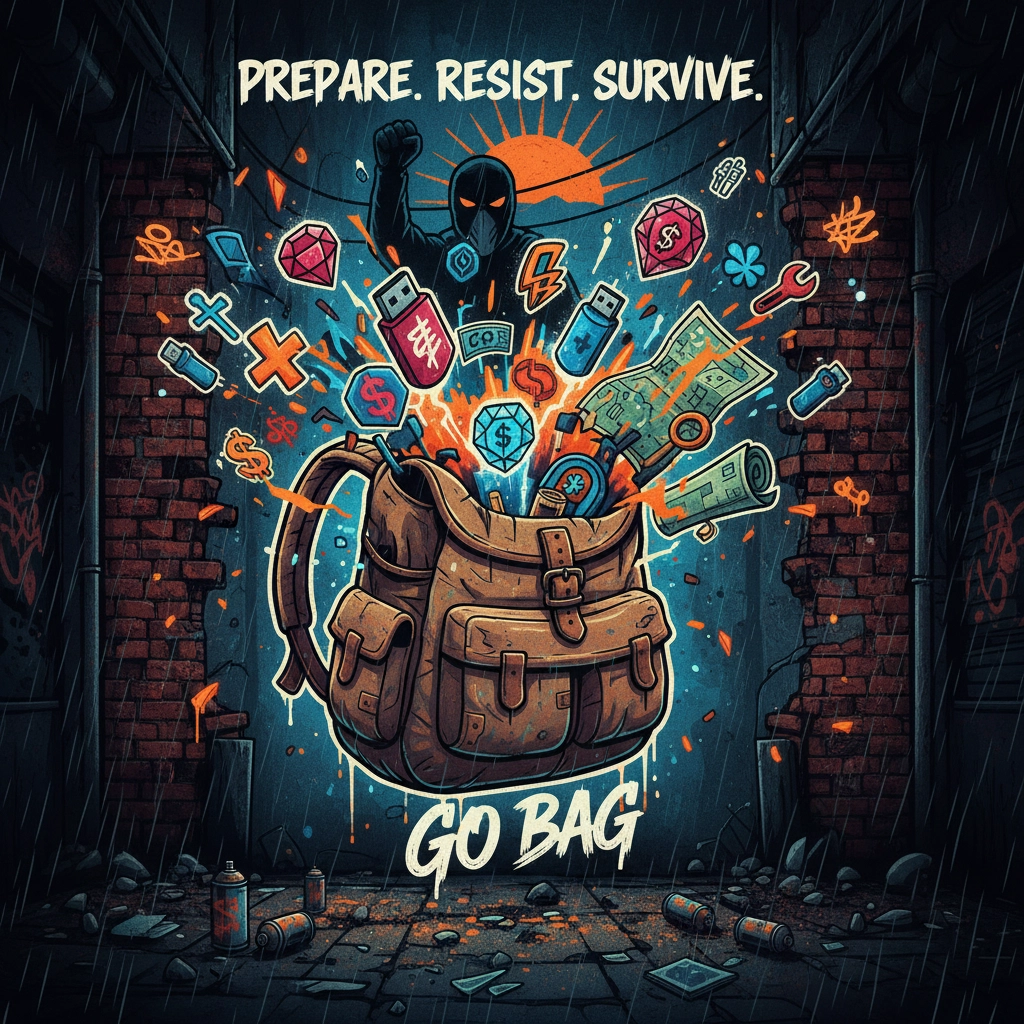
Create a "Go Bag": Keep a bag ready with encrypted USB drives containing important documents, cash, prepaid phones, and written instructions for emergency procedures. Store copies of this bag in multiple locations.
Establish Check-In Protocols: Arrange regular check-ins with trusted contacts. If you miss a check-in, they should assume something is wrong and initiate emergency procedures.
Know Your Rights: Understand what law enforcement can and cannot do in your jurisdiction. Know how to invoke your right to remain silent and your right to an attorney. Write these rights on a card and carry it with you.
Digital Dead Man's Switch: Set up automated systems that will activate if you don't check in regularly. This could be an encrypted message that gets sent to trusted contacts or instructions for accessing your encrypted files.
Your security is only as strong as your weakest practice. Start with the fundamentals, build good habits, and gradually add more advanced techniques. The surveillance state wants you to feel helpless and exposed. These tools give you the power to organize, communicate, and resist while protecting yourself and your community.
The time for hoping someone else will protect your privacy is over. Take responsibility for your own security, share these techniques with people you trust, and build networks of mutual aid that can survive in an increasingly hostile digital landscape.
Your freedom depends on your ability to communicate and organize without interference. These tools preserve that freedom, but only if you use them. Start today.
Member discussion